Clock in
Each cook opens the shift with a personal PIN. Hours are counted for you.
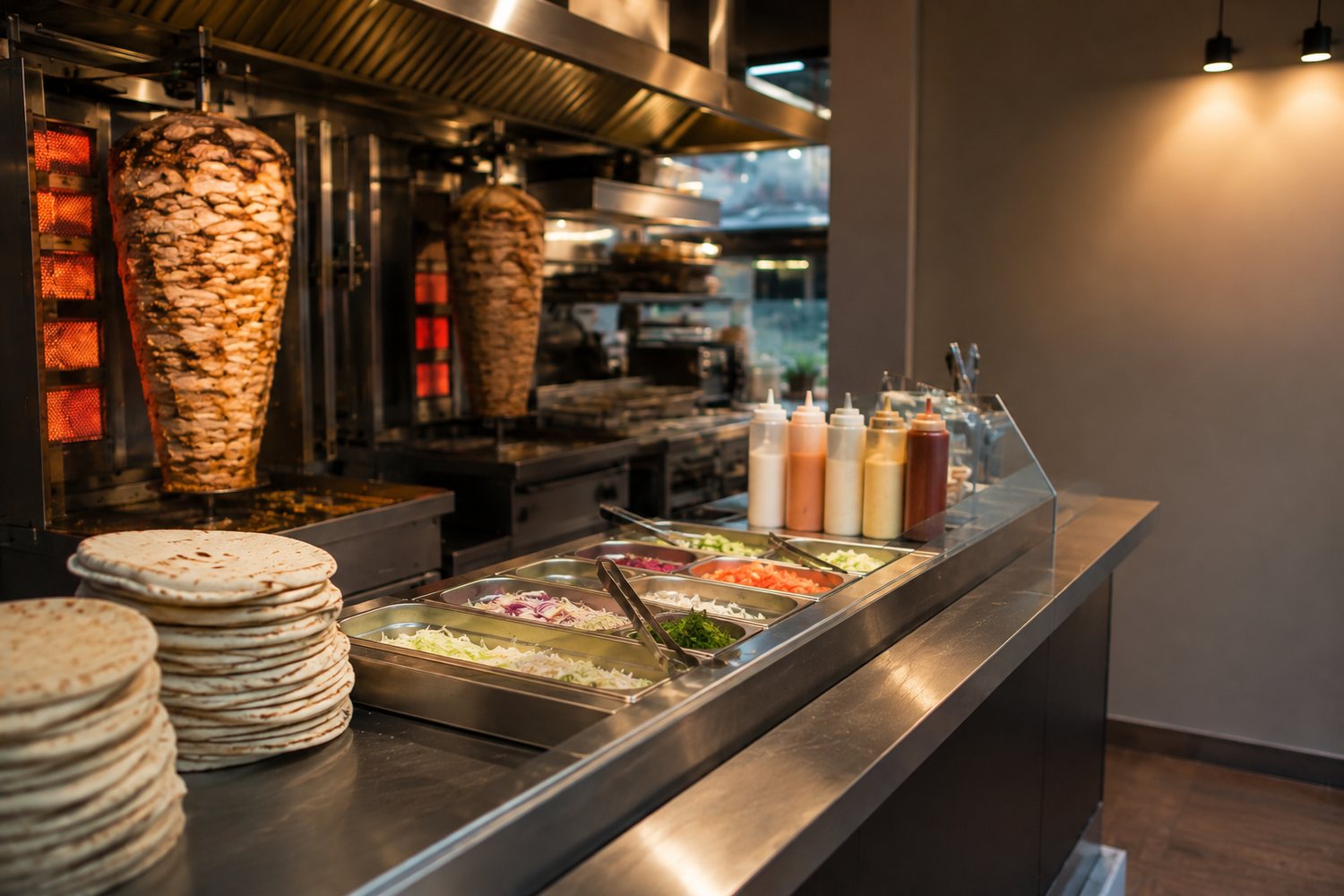
JAJA keeps orders, staff shifts and takings in one place. Made for busy shawarma and kebab counters — big buttons, nothing to learn, running on the phone that is already lying by the till.
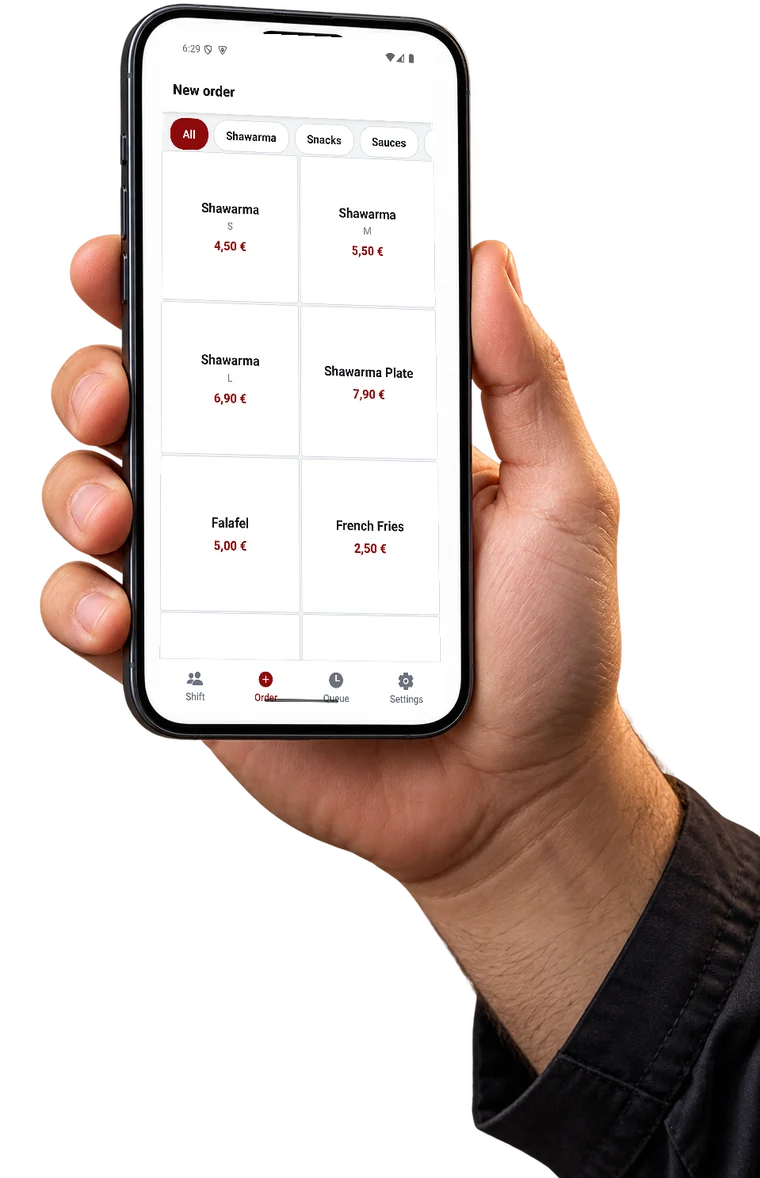
Four screens cover the whole working day. Nothing to set up in the morning, nothing to count in the evening.
Each cook opens the shift with a personal PIN. Hours are counted for you.
Edge-to-edge tiles you can hit without looking. Cash, card, or split between both.
The order lands in the queue with a running timer. Ones that drag turn red.
Takings, average check and what actually sells — in the web panel, with Excel export.
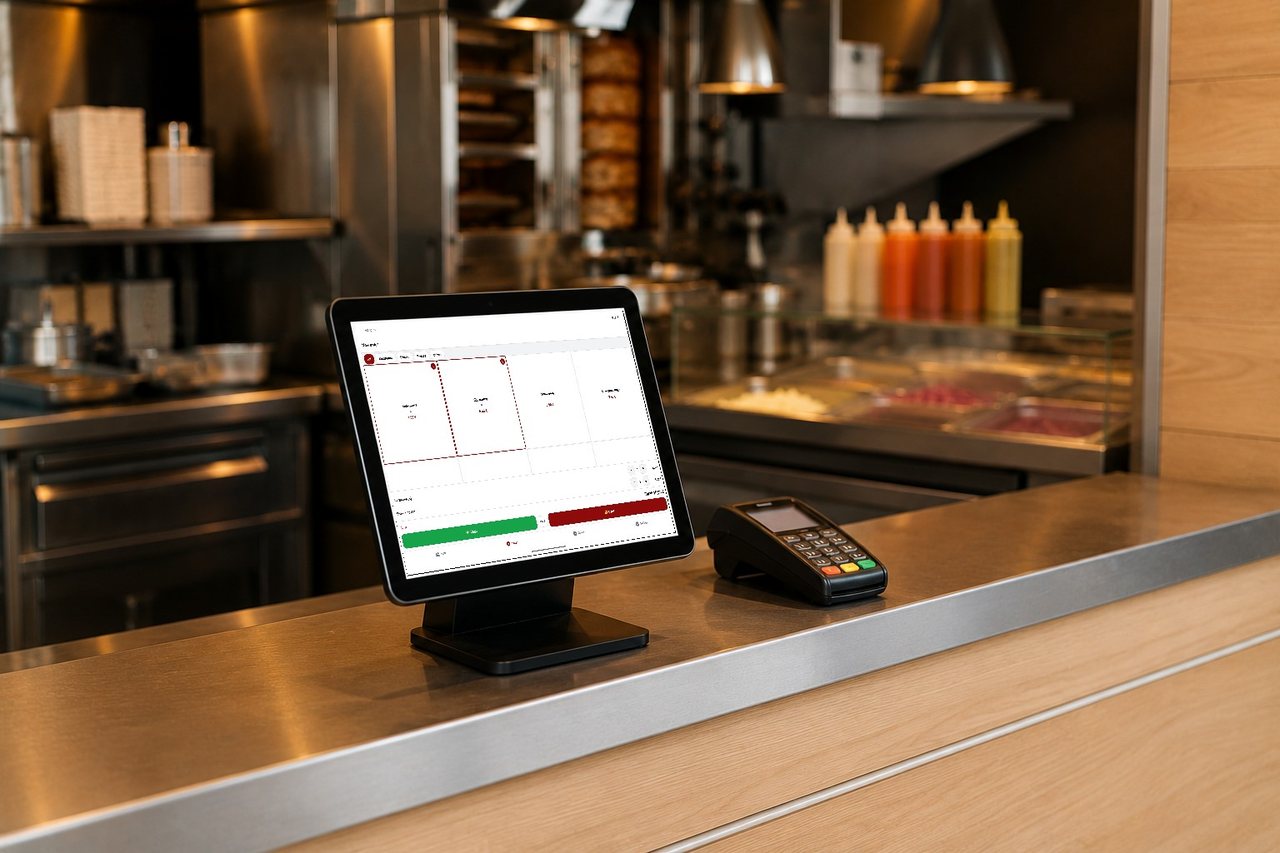
The same account on every device. Put a tablet in a stand and it becomes a till; keep a phone in your apron and it becomes a second one.
Every one of these exists because somebody standing behind a counter asked for it.
Part cash, part card. Type the cash and the rest goes on the card by itself.
Switch numbers to names and the cook shouts Ahmed instead of number seven.
One free choice, paid extras with their own price. Set up once in the panel.
Statistics sit behind a code. Cooks take orders; only you see the money.
Orders, staff hours and items for any period — one button, ready for the accountant.
The grid grows with the screen: two columns on a phone, three or four on a tablet.
One counter costs nothing, and it does not stop after a trial. You pay only when you open the second one.
Everything above. No card, no countdown.
Its own menu, staff and statistics. Same login.
Questions? support@kpmk.digital
Install it, create an account, type in your menu. The first order goes through in about ten minutes.

We use analytics cookies to see how many people visit and which parts of the page help. Nothing is stored until you agree. Details